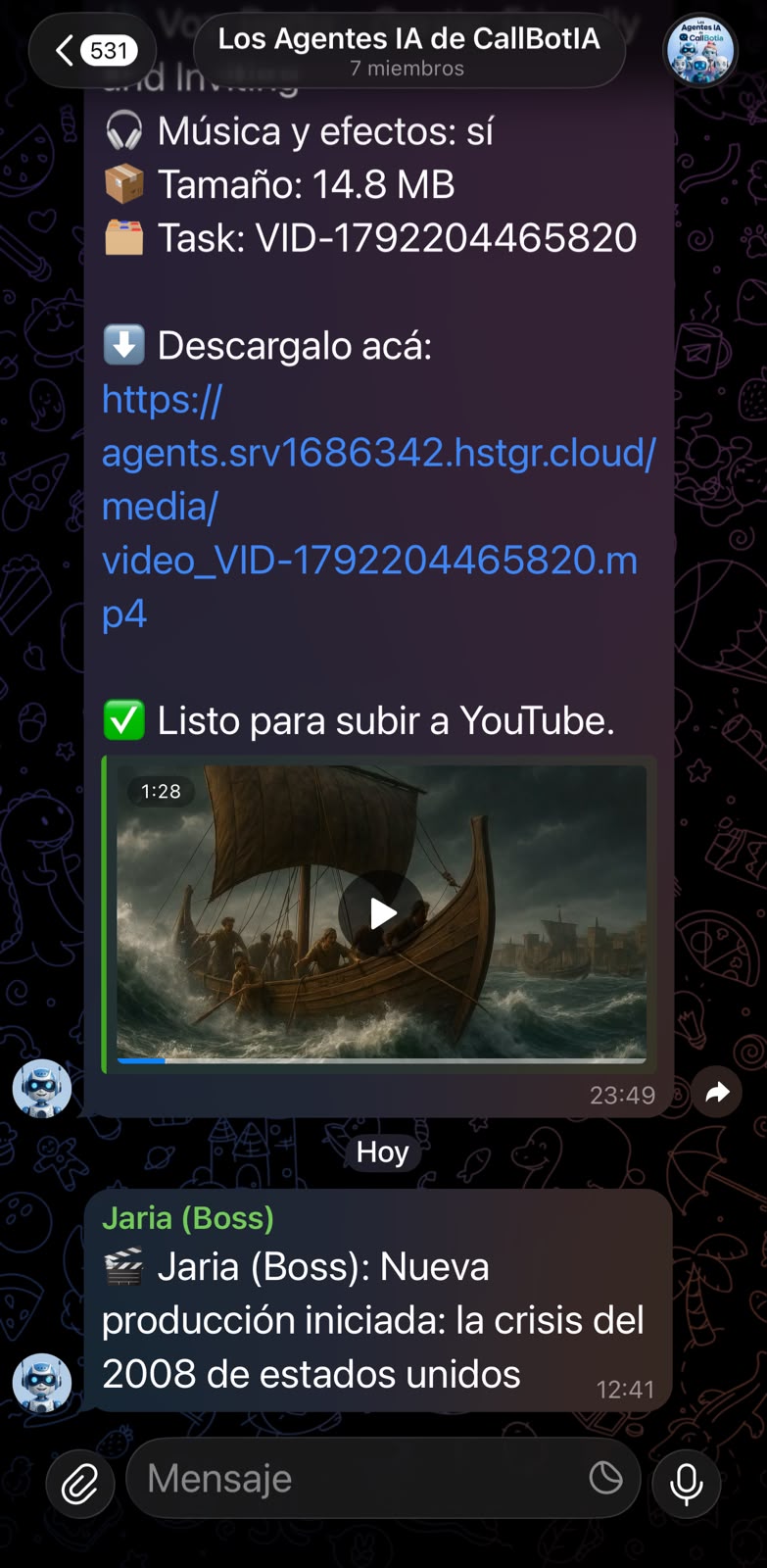
Write an idea
Write a single sentence. Jaria coordinates the entire workflow, and you choose the voice, visual pacing, and style.

SOCIRAX DASHBOARD
Sign in with your Google account to open your dashboard and keep creating videos.
YOUR NEXT VIDEO STARTS WITH AN IDEA
Stories, curiosities, and faceless videos. Tell Socirax what you want to create: a team of agents writes the script, builds the visuals, records the voiceover, and edits the video, so you can focus on your content.
You choose the topic. You approve the script. Our AI team makes the video for you.
Script, visuals, narration, and editing. See the team's productions on @socirax ↗
FROM IDEA TO PUBLISHED VIDEO

Write a single sentence. Jaria coordinates the entire workflow, and you choose the voice, visual pacing, and style.
Luna researches the topic and drafts the script. Max reviews it, and Nova verifies the facts. You approve the approach or request a new version.
Rex coordinates the full production: narration, visuals, motion, editing, and YouTube Pack animations.
Nova runs quality control and sends the result back to Jaria. You get a download link, schedule the post, or publish directly to YouTube.
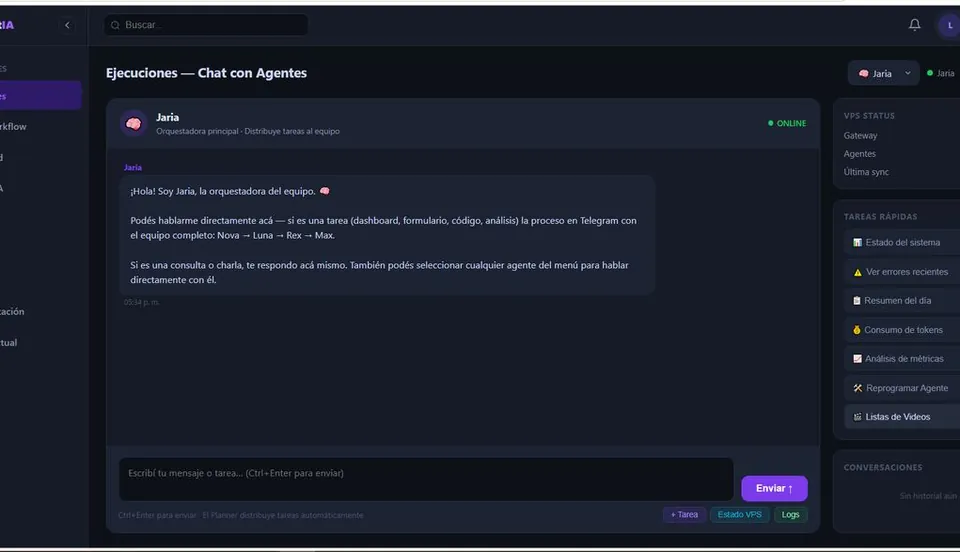
Track progress, approvals, and results from a single dashboard. You can also use Telegram as an optional add-on.
SEE HOW IT WORKS
See how Socirax turns a single sentence into a complete video: research, script, narration, visuals, editing, and publishing.
Explore the full creation workflow.
MORE CONTENT. LESS WORK.
Turn your ideas into videos without handling every production task. Choose the topic, review the approach, and stay in control of the result.
A VOICE FOR YOUR CHANNEL
Choose how your content sounds and find the voice that best represents each story.

Ava turns your idea into a dynamic edit, with pacing, visuals, and cuts ready to publish.
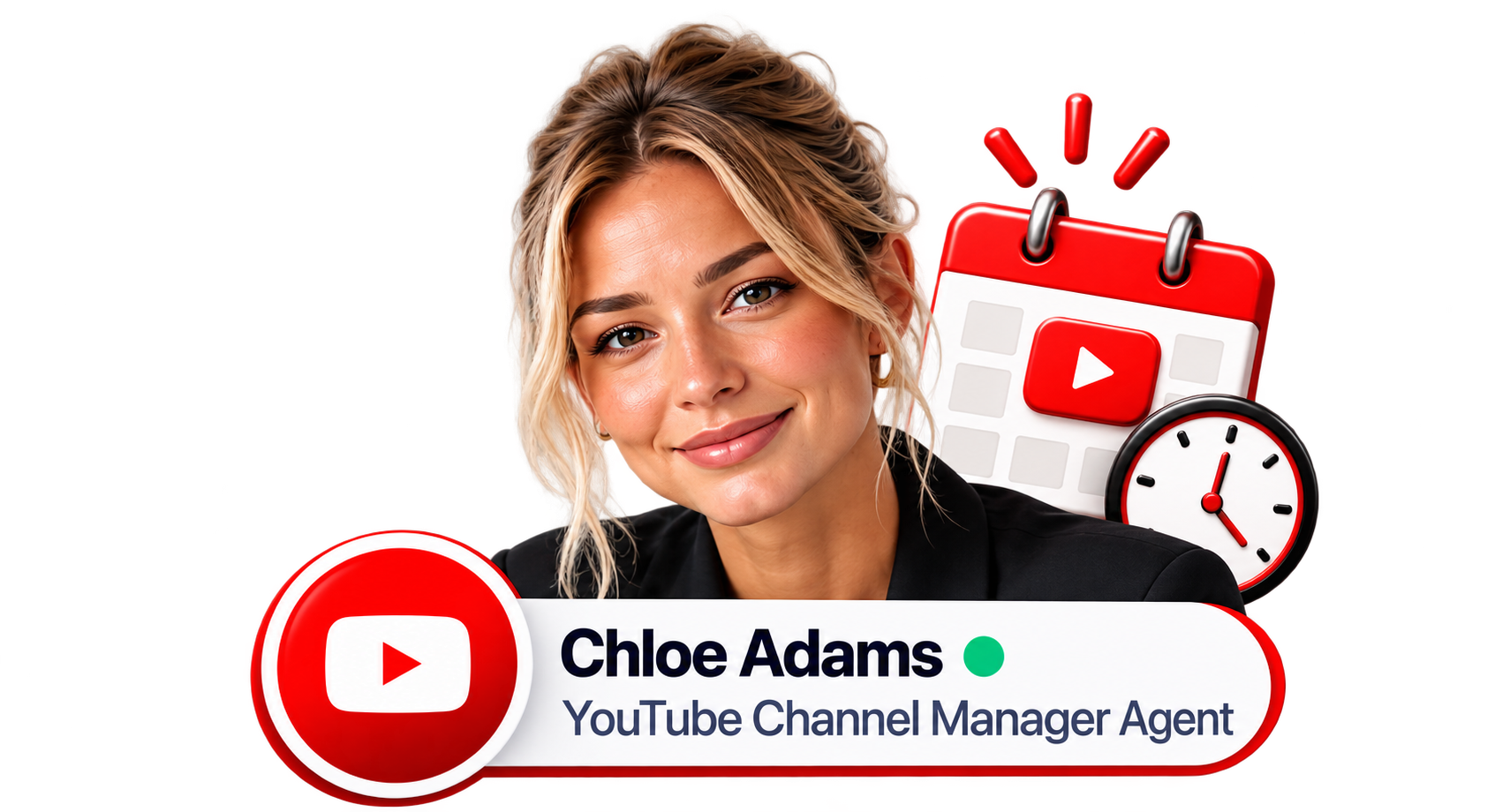
Chloe keeps your channel's identity, tone, and presence consistent in every video.
PLANS AND PRICING
Choose the production capacity, connections, and support your project needs.
US$25 / month
US$70 / month
US$200 / month
Monthly prices in U.S. dollars. BYO API: connect your own API keys. Add-on: optional extra service. Limits are subject to technical and commercial validation.
CONTROL YOUR PRODUCTION
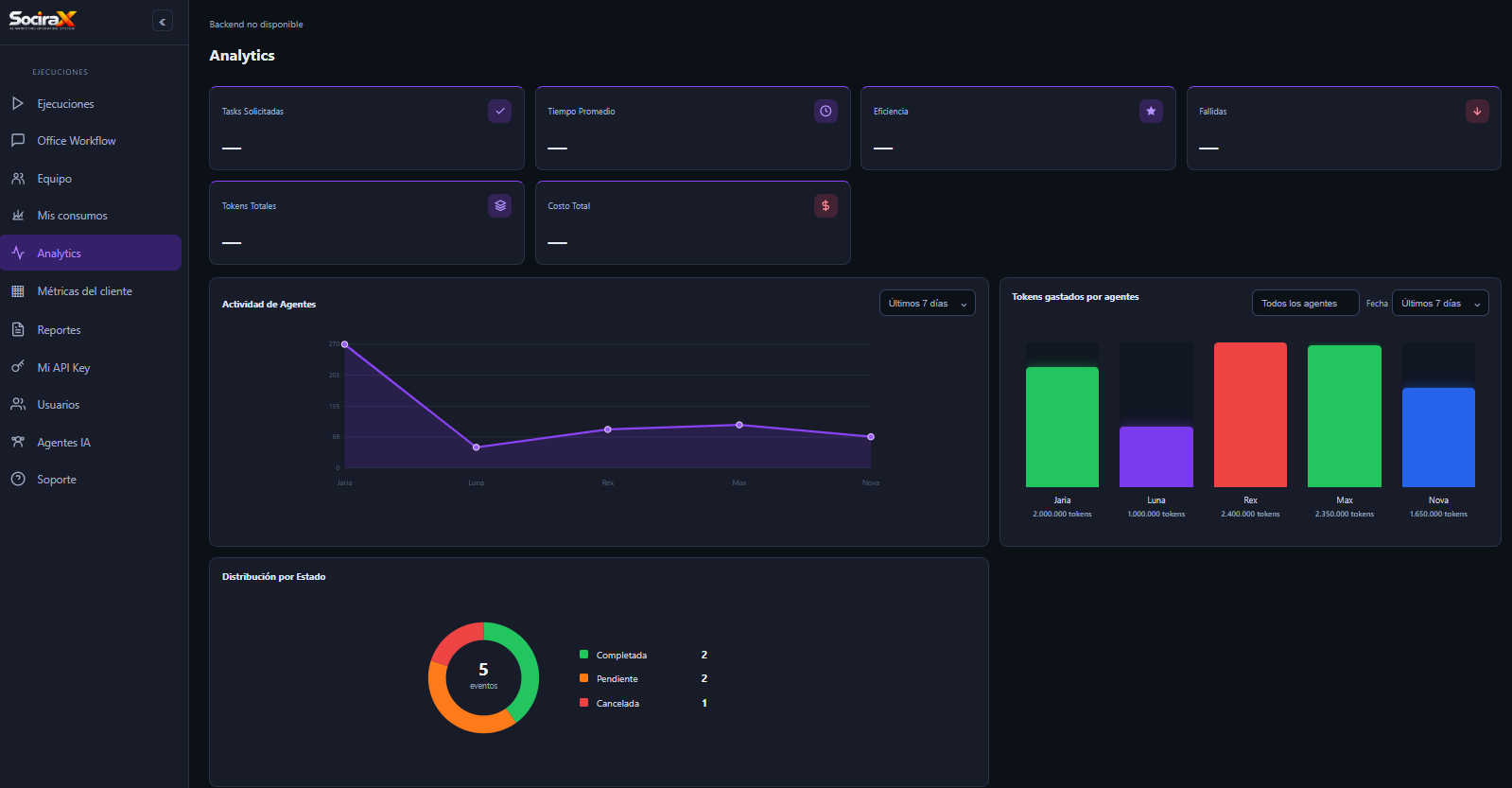
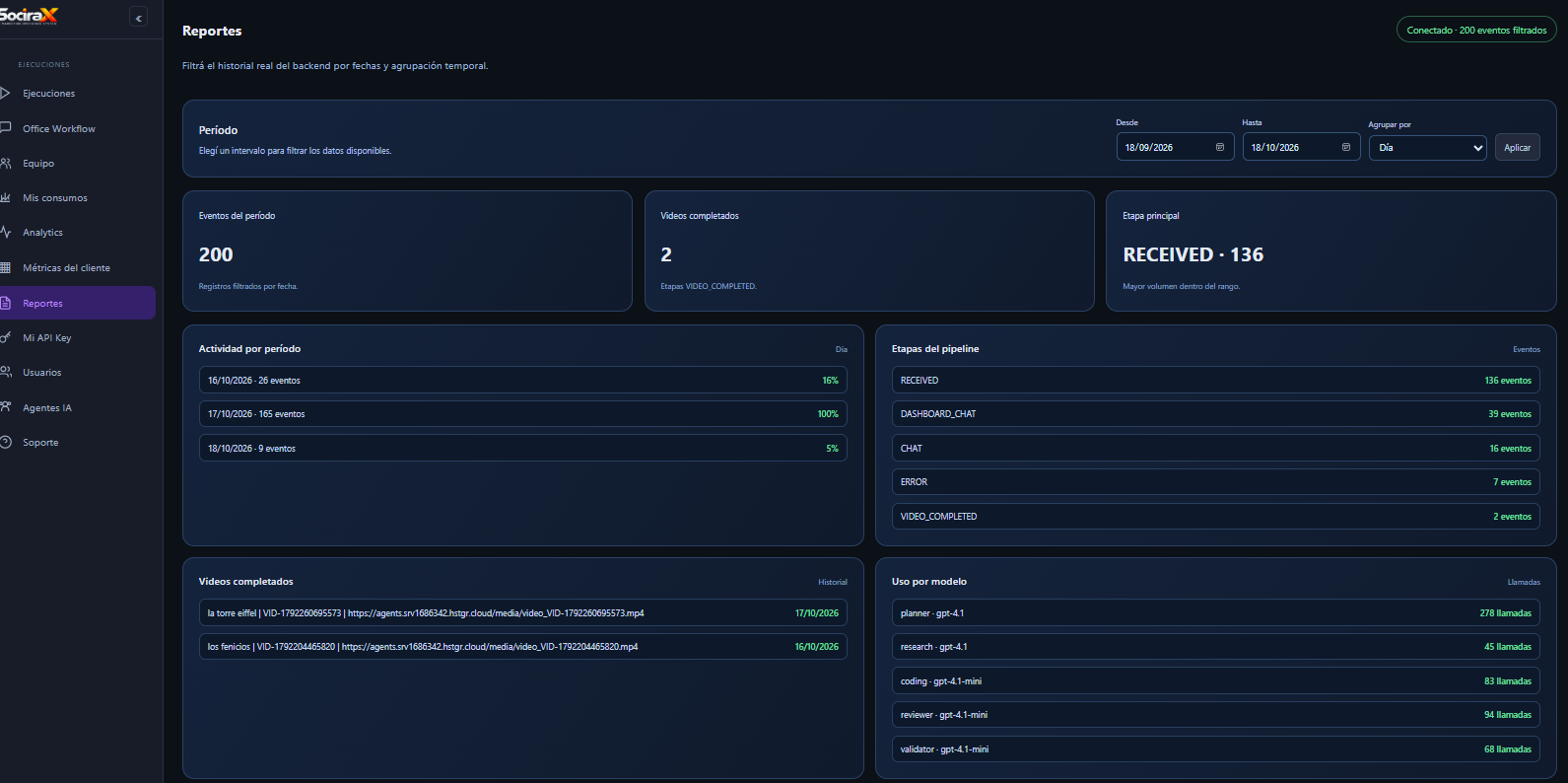
Measure how your agents perform, follow every stage, and review completed videos in one place.
OPTIONAL ADD-ON
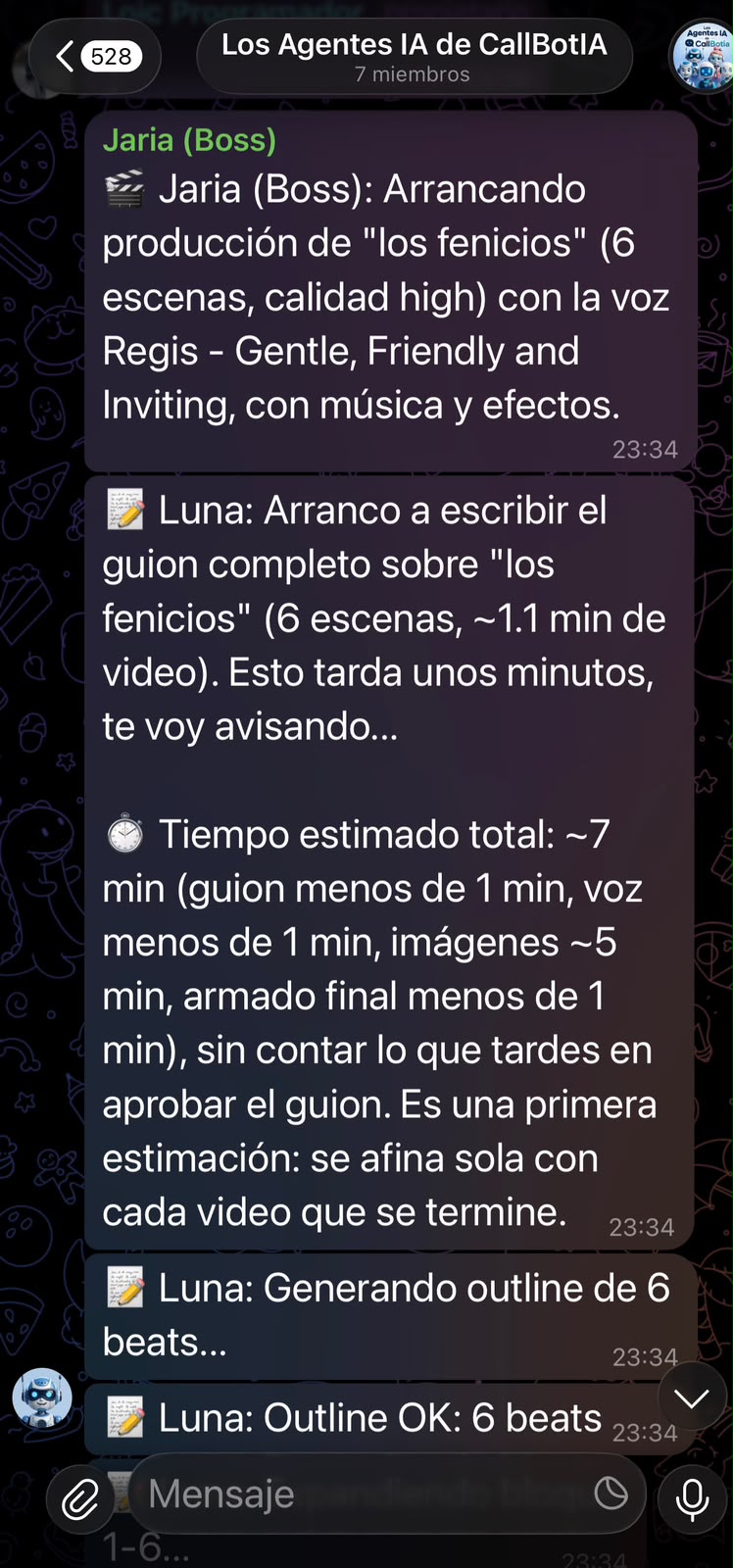
Write your idea in Telegram and run the entire agent team from there. Socirax processes the request and delivers the result in Telegram, in the dashboard, or both.
Telegram can be your creation and delivery interface, as an add-on to the dashboard.
A KEY ADVANTAGE
Connect your own API key and bring in the context from your GPT, Claude, or Gemini. Socirax works with the memory, strategy, and tone you have already built for your channel.
Bring Your Own API
OUR AI TEAM
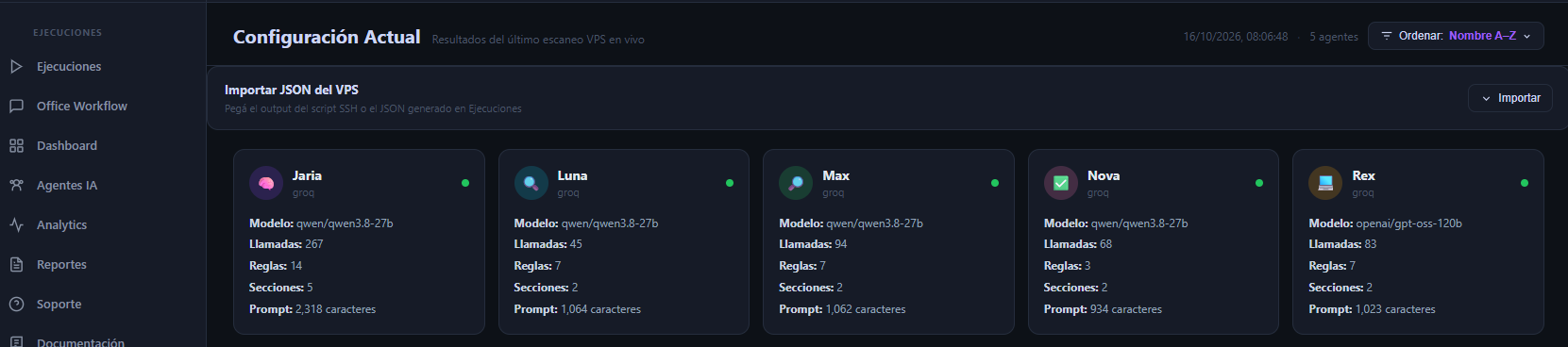
Each agent has a specific role and works at the right moment in the process.

Planner Agent
The lead orchestrator. Assigns tasks, coordinates the team, and talks with you.
Kickoff and planning
Research Agent
Researches and analyzes information, and writes the scripts.
Research and script
Reviewer Agent
Reviews responses, checks quality, and prepares the visuals.
Review and approval
Coding Agent
Builds and automates processes, and also works on voice.
Production and editing
Validator Agent
Validates the result, coordinates campaigns, and assembles the final piece with music and effects.
Validation and deliveryFAQ
Production time depends on the length of the video, the number of visuals, and the speed of your AI provider. AI generation takes time, and longer videos take longer to produce. We do not promise a fixed production time.
You write one sentence, and Socirax turns it into a finished YouTube video. Socirax's agents research the topic, write the script, record the voiceover, create the visuals, and edit the video. You review the approach and approve the final result before publishing.
ChatGPT can help write a script, but it does not produce a finished video. Socirax takes your idea or script and produces the complete video: voiceover, visuals, and editing.
Paste your script or describe the idea in one sentence. Choose the voice, visual pacing, and style. Socirax builds the video and sends it to your dashboard, where you can review it, download it, schedule it, or publish it directly to YouTube.
No. You can create faceless videos without filming yourself or editing. You choose the topic and approve the result. The team handles the script, voiceover, visuals, and editing.
AI can state facts incorrectly, produce generic visuals, and use a voice that may not fit a personal story. Review facts, names, and numbers before you publish, and ask for a new version when a scene does not match your brand.
Name the subject, the viewer, and the angle. For example, a 60-second story about one barista's way to brew cold coffee, for home cooks, works better than 'videos about coffee.' Add the tone and the length you want.
You can review the approach and request a new version before the final video is produced. For changes to a finished video, download it, edit it in your own editor, and upload the new version to YouTube.
Open with a clear promise in the first five seconds, write a title that says what the viewer will get, design a simple thumbnail, write a useful description with chapters, and publish on a regular schedule.
No. Making AI videos is not illegal. You must follow YouTube's policies on originality, disclosure, and copyright, and respect the rights of the people and brands you show.
YouTube does not ban AI-generated videos from the YouTube Partner Program. It does limit channels that publish mass-produced, repetitive, or low-effort content, so videos need original value and good quality. Socirax does not guarantee monetization. Check YouTube's current policies before you publish.
YouTube sets eligibility requirements for its Partner Program, based on watch hours and subscribers. The thresholds can change, so check YouTube's current requirements. Socirax does not guarantee earnings.
Yes, when a video contains realistic altered or synthetic content, such as a realistic AI voice or scenes that could be mistaken for real people or events. YouTube asks you to disclose it when you upload the video.
Using a real person's face or voice without permission can violate their privacy and publicity rights. Review every video before you publish it, and get permission before you use anyone's likeness.
Look for YouTube's label for altered or synthetic content. Creators are asked to add it when a video contains realistic AI-generated scenes or voices.
YouTube's Community Guidelines prohibit spam, misleading or deceptive content, and content that violates other people's rights. Check the current guidelines before you publish.
Yes. Companies can use them for marketing, education, and customer communication. Confirm that you have the rights to every image, voice, and music track, and that the content follows YouTube's policies and your brand guidelines.
Monthly plans start at US$25 for Starter, US$70 for Creator Pro, and US$200 for Business. All prices are in U.S. dollars. You can start with the free trial before you subscribe.
Yes. You can start with the free trial. To keep creating after that, you need a paid plan.
Yes. Connect your own API key and add the context your channel already has, so Socirax works with the memory, strategy, and tone you have built. The number of BYO API connections depends on your plan.
Your API keys are used only to generate your videos. We do not share them with third parties, and you can delete them from your dashboard at any time.
Yes. From the dashboard, you can connect a separate YouTube channel for each client and track each client's videos in one place.
Yes. After the video is approved, you can publish it directly to your YouTube channel, schedule it for later, or download it.
White label is available as an optional add-on on the Creator Pro and Business plans. Watermark rules depend on your plan and on whether you use your own API key.
START TODAY
Connect your YouTube channel and create 3 free videos of 25 seconds each. See the full workflow before you choose a plan.